 Perilous
 Player Commands
Every command a player can type on Perilous Legends, by system. Type them in the chat line with the
bracket, for example [helm. Most are also sensible targets for a Razor hotkey. 78 commands in 15 sections.
Capitals do not matter. [Leaderboards and [leaderboards are the same command. Where a command has
two or three names, any of them works.
Classes and Class Abilities
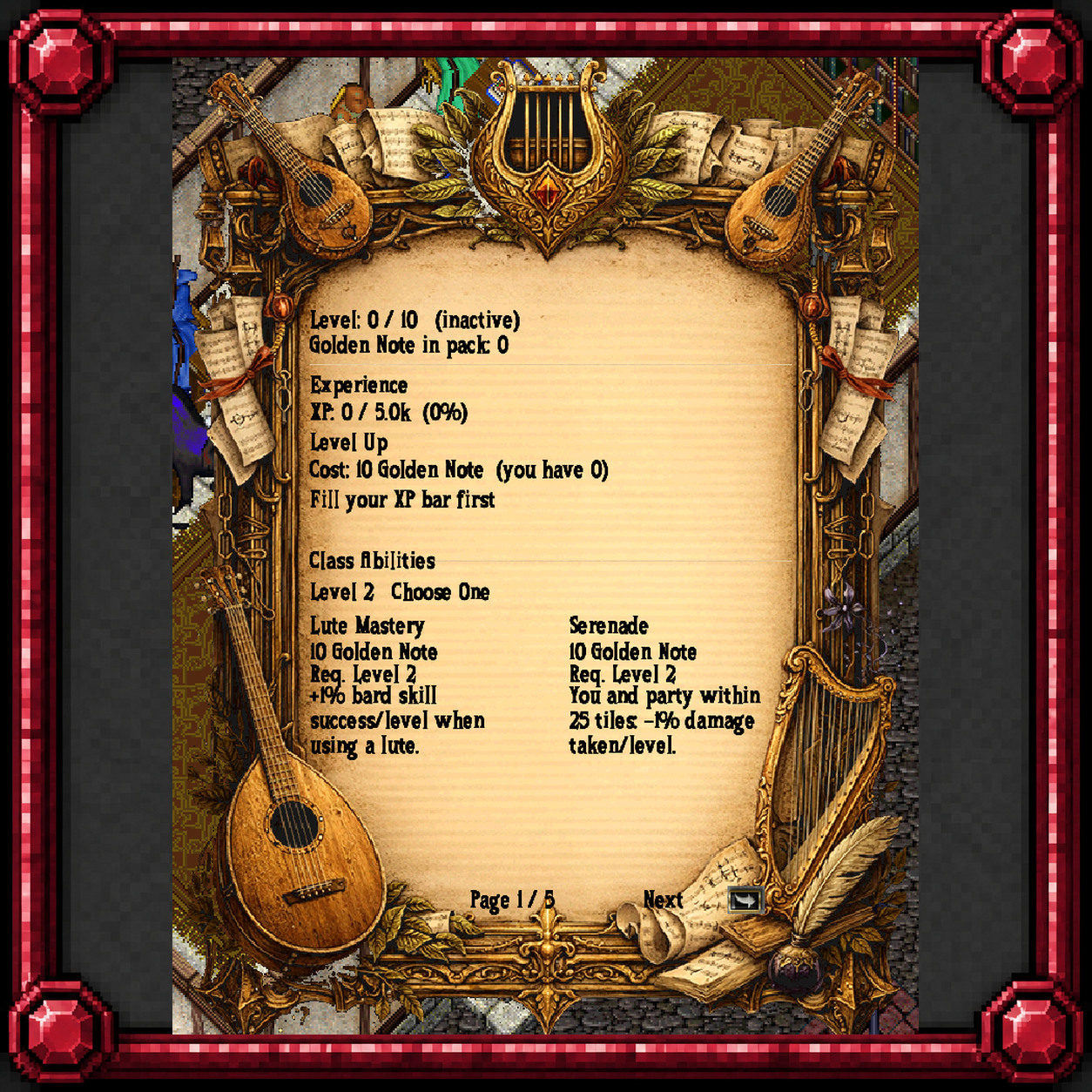
Your class and its perks. The active perks fire through [perk2 to [perk14.
| Command | What it does |
|---|---|
[Class | Opens the class selection window. |
[Level | Shows your active class, its level, and XP toward the next level. |
[Perk | Activate your current class perk at each level. Example: [perk2 [perk4 .... |
[CombatStats | Shows your real combat numbers with gear, enchantments and class bonuses factored in. |
[regen | Shows your live hit point, stamina and mana regeneration rates with every bonus counted, and whether a PvP flag has suspended them. |
Personalities (Builds)
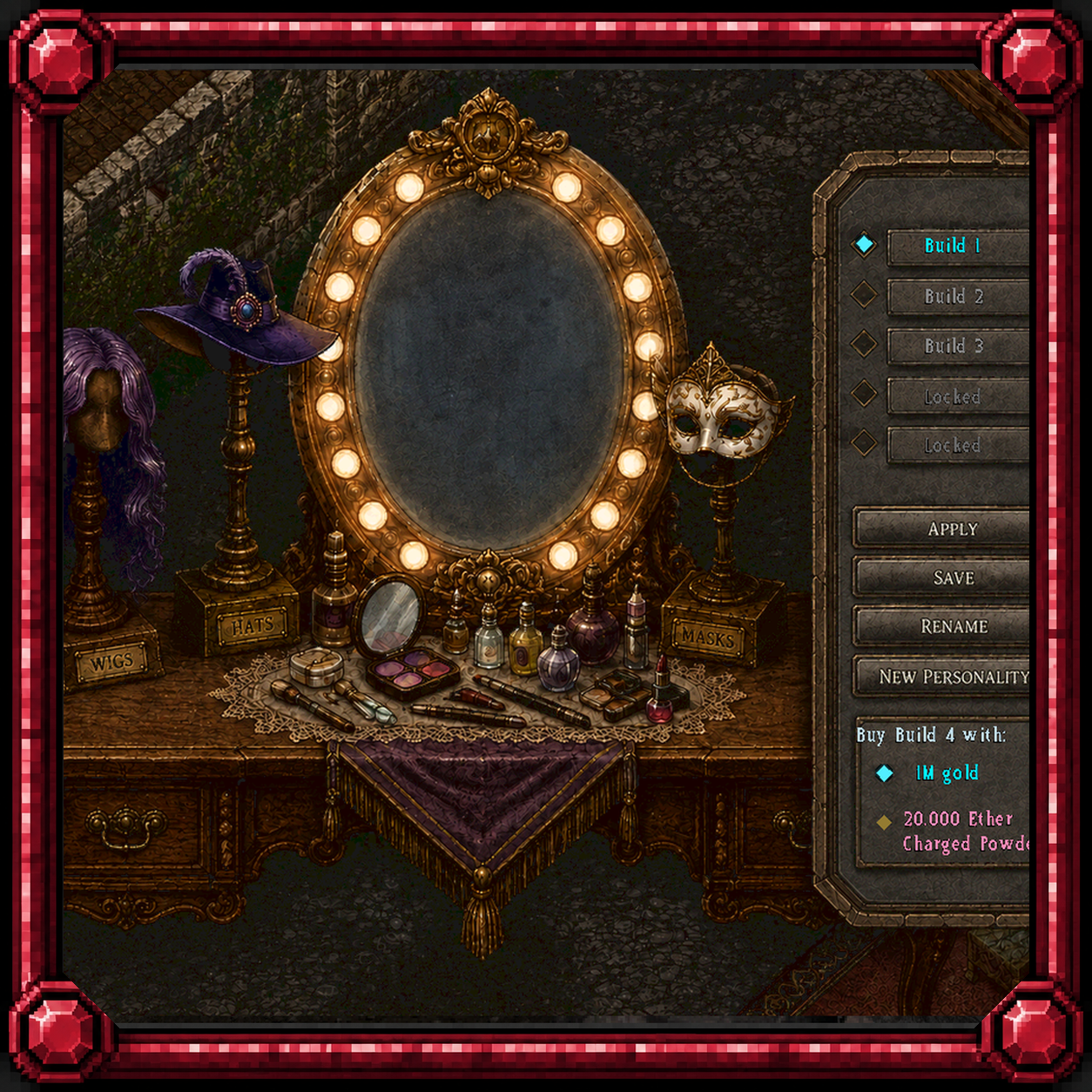
One character, several builds. These manage the slots.
| Command | What it does |
|---|---|
[PLPersonality | Opens the Personality management window. |
[PersonalityBook | Gives you a Personalities book if you have none in your pack or bank. |
Magic, Combat and Everyday
Toggles and helpers you will use every session.
| Command | What it does |
|---|---|
[cancelspell | Interrupts the spell you are casting. |
[scrollsfirst | Account toggle: when on, a spell cast from your book first looks for a scroll of that spell in your backpack (satchels count) and burns it instead of the reagents, and the cast checks two circles easier, as a read scroll does. No scroll in the pack means reagents as usual. |
[showgains | Toggle, resets on logout: every skill attempt shows that attempt's gain chance. Only skills locked to rise up are shown. |
[bestknife | Account toggle, on by default: Skinning uses the highest tier skinning knife in your pack that still has uses. Off: the first knife it finds. |
[lootguard | Toggle: while on, you cannot loot a corpse that would flag you criminal. |
[dmgmeter / [partymeter | Toggles a live damage and healing meter for your party (or just you when solo). Your pets' and summons' numbers count for you. Resets when the party disbands. |
[PartyFriends [on|off] | Whether your party members read green (allies) to you. Off: normal colours. |
[Yield | Gives up the duel you are in; it counts as a defeat. |
[usegate | Uses a moongate within 2 tiles of you. |
[dungeonbonus | Shows this week's dungeon rotation: the +25% XP dungeon, the +10% loot dungeon, the pacified dungeon and the lawless dungeon. |
[pouch | Sets off a charged Blessed Trap Pouch in your pack on yourself (or any magic-trapped container if you have none) to break paralysis. |
[organizeme | Sorts the loose items in your backpack into three bags it makes: Consumables, Wearables and Miscellaneous. Containers, spellbooks, runebooks and trade packs are left alone. Saying "organize me" does the same. |
[petgump | Target one of your pets to open its Pet Equipment window. |
[MovingCrates | Shows what you have waiting in moving crates and how long you have to claim it. |
[houseraise | Puts every locked-down item that sank below the floor back on it. Owner or co-owner, inside the house. |
The Sea: Ships, Crews and Cannons
Boarding, steering, cannon fire and the deckhands. Most of these need you aboard a ship.
| Command | What it does |
|---|---|
[embark | Board your ship, or one you crew, from within 16 tiles of its hull. |
[disembark | Step off your ship onto targeted land or a dock within 8 tiles. |
[helm | Opens the ship command panel. You must be aboard. |
[repairship | Uses the ship repair kit or repair saw in your pack, the same as double-clicking it. |
[schooner / [barque / [galleon / [manofwar / [abyssalgalleon | Opens the upgrade loadout window for that ship type (barque and abyssalgalleon open the same Abyssal Galleon loadout). Works anywhere. |
[ShipUpgrades | Lists every upgrade slot of the ship you stand on (or your Galleon loadout ashore): what is installed, the [Activate command for it and any cooldown left. |
[ActivateHull / [ActivateSail / [ActivateNavigation / [ActivateUtility / [ActivateCannon / [ActivateLesserCannon | Fires the upgrade installed in that slot. You must be aboard and the ship's captain; each slot has its own cooldown. |
[loadcannons [port|starboard] | Loads every cannon on both sides from the ammunition and black powder in your backpack; name a side to load only that side. Your own ship or your party captain's. |
[firecannons | Gives a cursor; where you click decides port or starboard. Needs loaded cannons on your own or your party captain's ship. Not usable in a DotS match. |
[ammo grapeshot | cannonballs | Chooses what your cannons load next; takes effect at the next [loadcannons. |
[crewabove / [crewbelow / [recallcrew | [crewbelow sends your crew below deck to heal to full, where they stay for 5 minutes; [crewabove brings them back up once rested; [recallcrew pulls your crew off an enemy deck back onto your own ship (short cooldown). Orders are spoken: "crew guard", "crew follow", "crew stay", "crew status". |
[board / [boardcrew | Sends your ship's crew to board a targeted enemy ship and fight its crew. |
[grapple | Uses the first grappling hook in your pack, the same as double-clicking it. |
[Spyglass / [SpyglassContinuous | [Spyglass scans for nearby ships with the best spyglass in your pack, one charge per scan, 6 s cooldown. [SpyglassContinuous toggles an automatic scan every 6 seconds. Aboard a ship only. |
[FishingBoat | Opens the fishing boat's upgrades and crew window. You must be within 20 tiles of a fishing boat. |
[plunder [withdraw <amount>] | Shows your account's Plunder balance; withdraw turns balance into Plunder coins in your pack. To deposit, drop Plunder or a Plunder check in your bank box. |
[shipsync | Re-sends the ship you stand on and everything around you when the client shows the hull or crew in the wrong place. |
Sportfishing
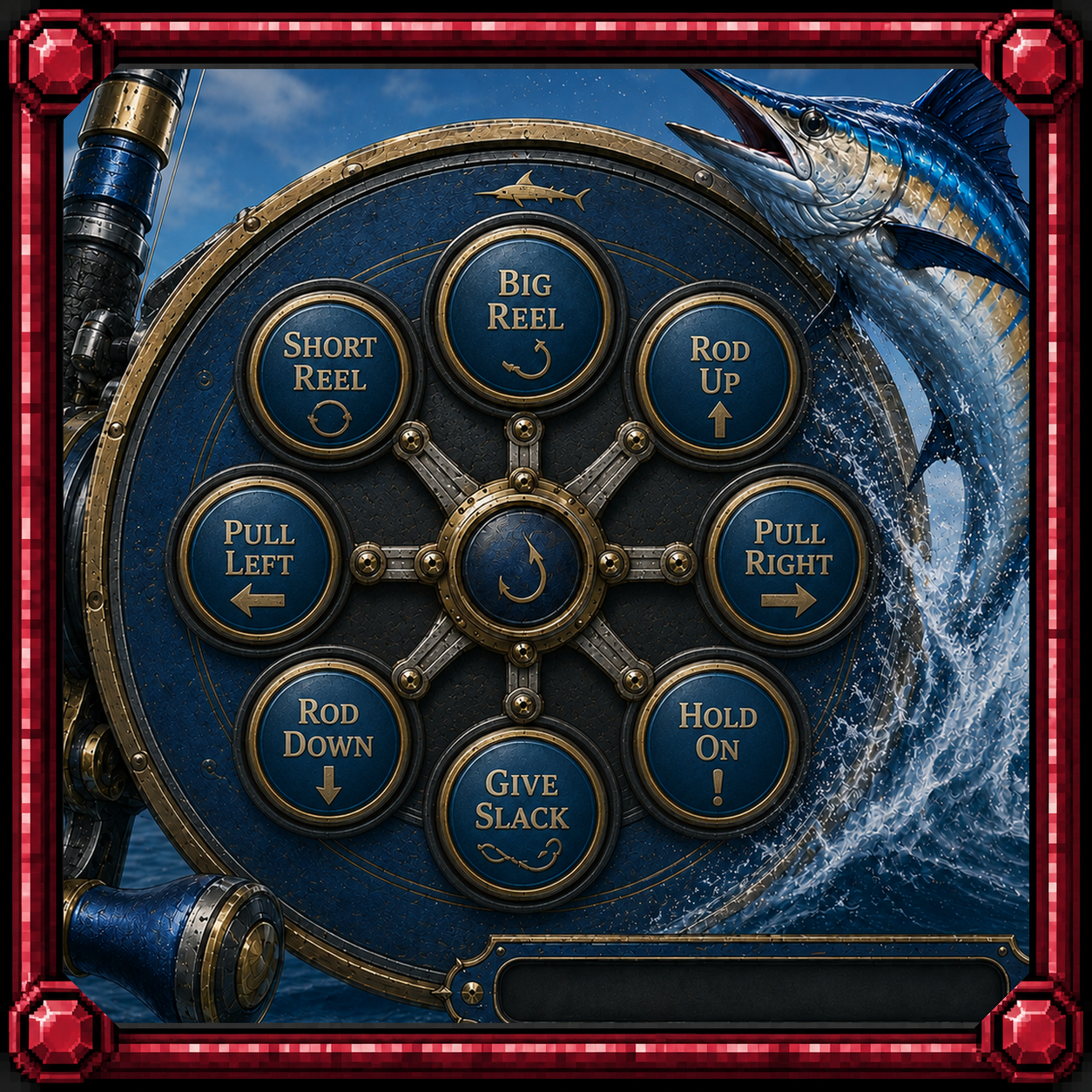
The reel fight. Bind these before you sail out; the window to react is short.
| Command | What it does |
|---|---|
[bigreel / [shortreel / [pullleft / [pullright / [rodup / [roddown / [holdon / [giveslack | The sport-fishing reel fight: press the action the reel window highlights. A right press takes 4% off the fight bar, a wrong or missed press adds 1%. They do nothing outside a fight. |
Sea Tower
The guild naval siege.
| Command | What it does |
|---|---|
[SeaTower | Opens the Sea Tower event information window. |
[SeaTowerScore | Opens the last five Sea Tower scoreboards, newest first. |
Buccaneer's Den Hardpoint
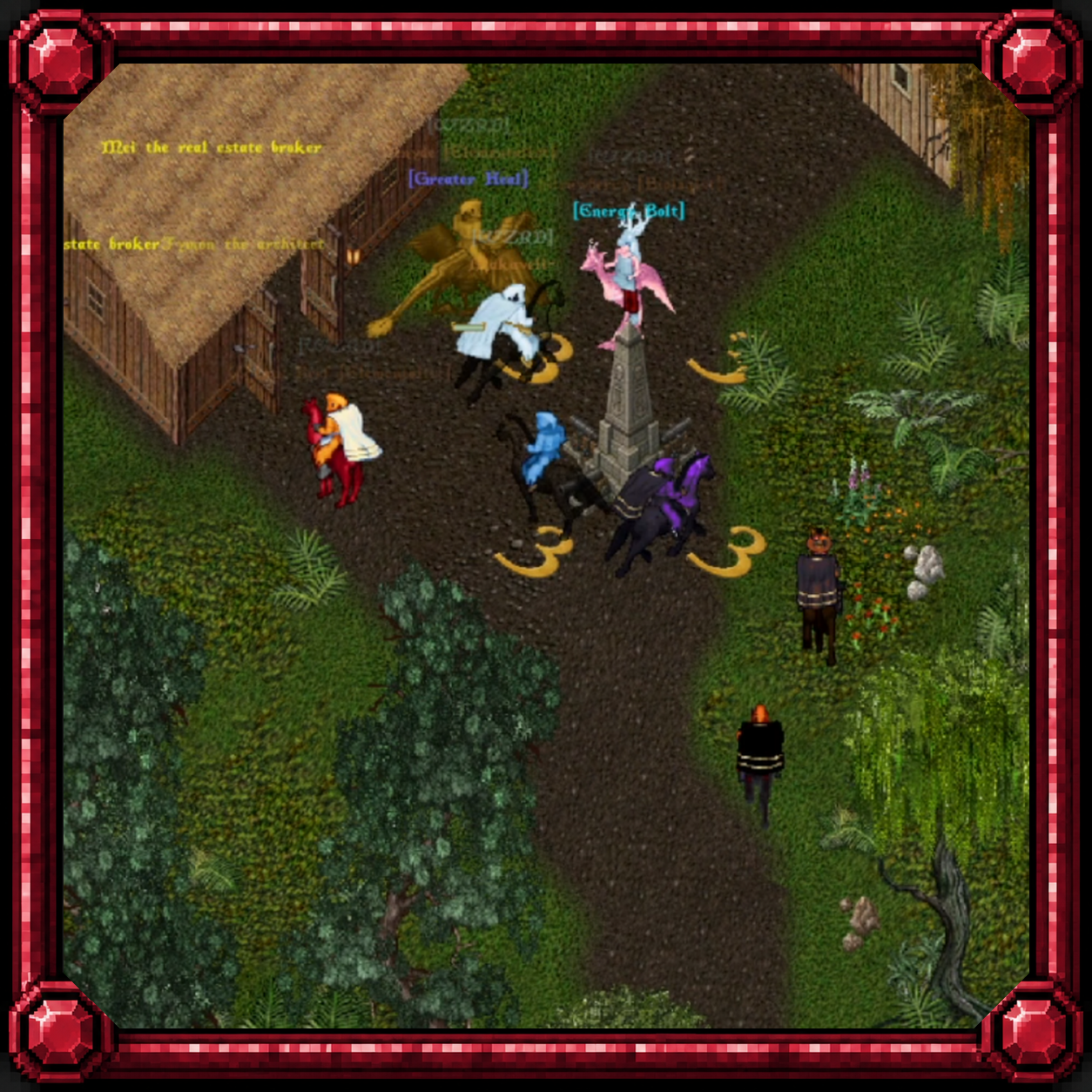
The guild territory war.
| Command | What it does |
|---|---|
[Hardpoint | Opens the Hardpoint scoreboard and stats board. Works anywhere. |
Castle Siege
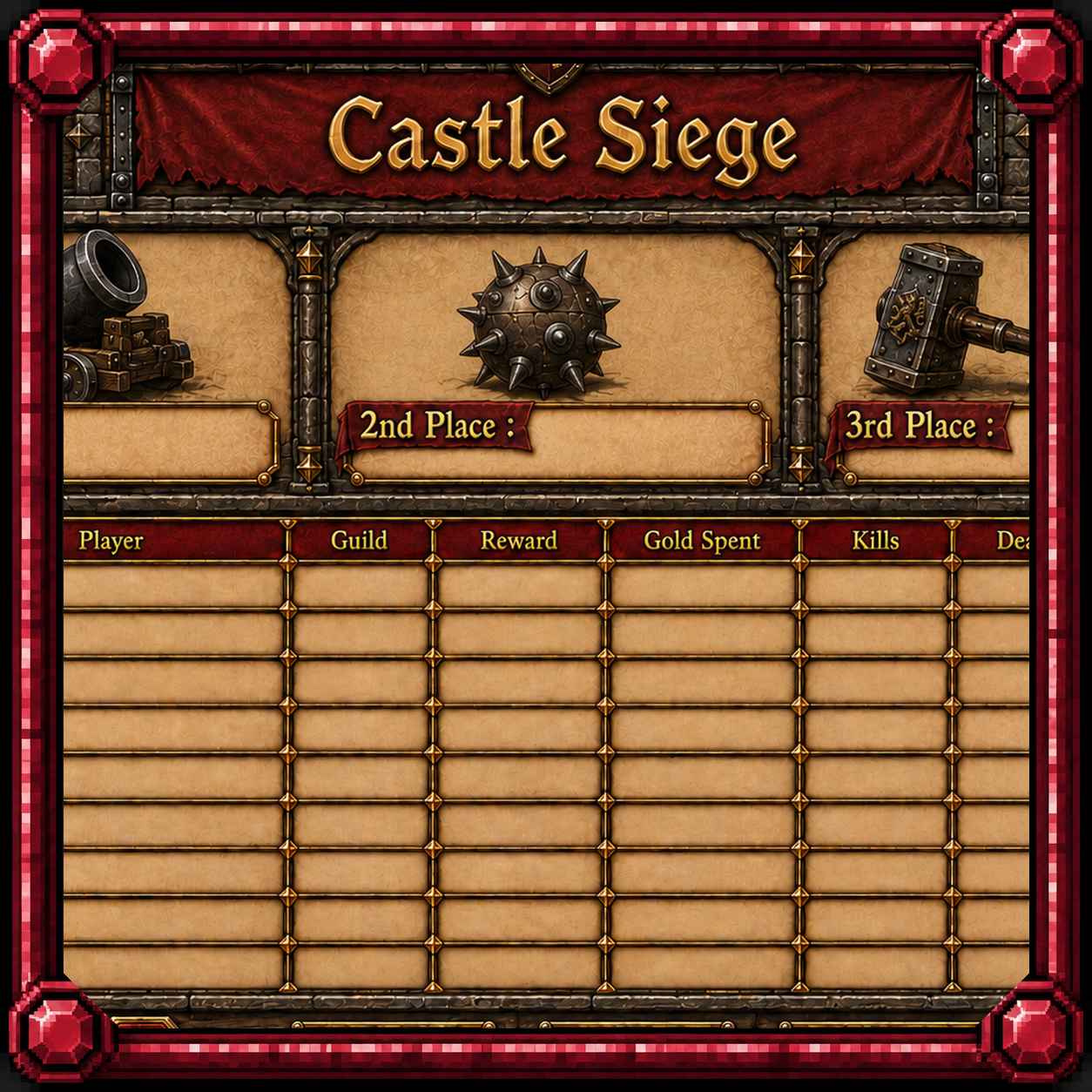
Break the castle or hold it.
| Command | What it does |
|---|---|
[CastleSiege | Opens the Castle Siege scoreboard and stats board. Works anywhere. |
[CSSHOP | Opens your team's Castle Siege shop. Only while a siege is running and you are in it. |
Paintball
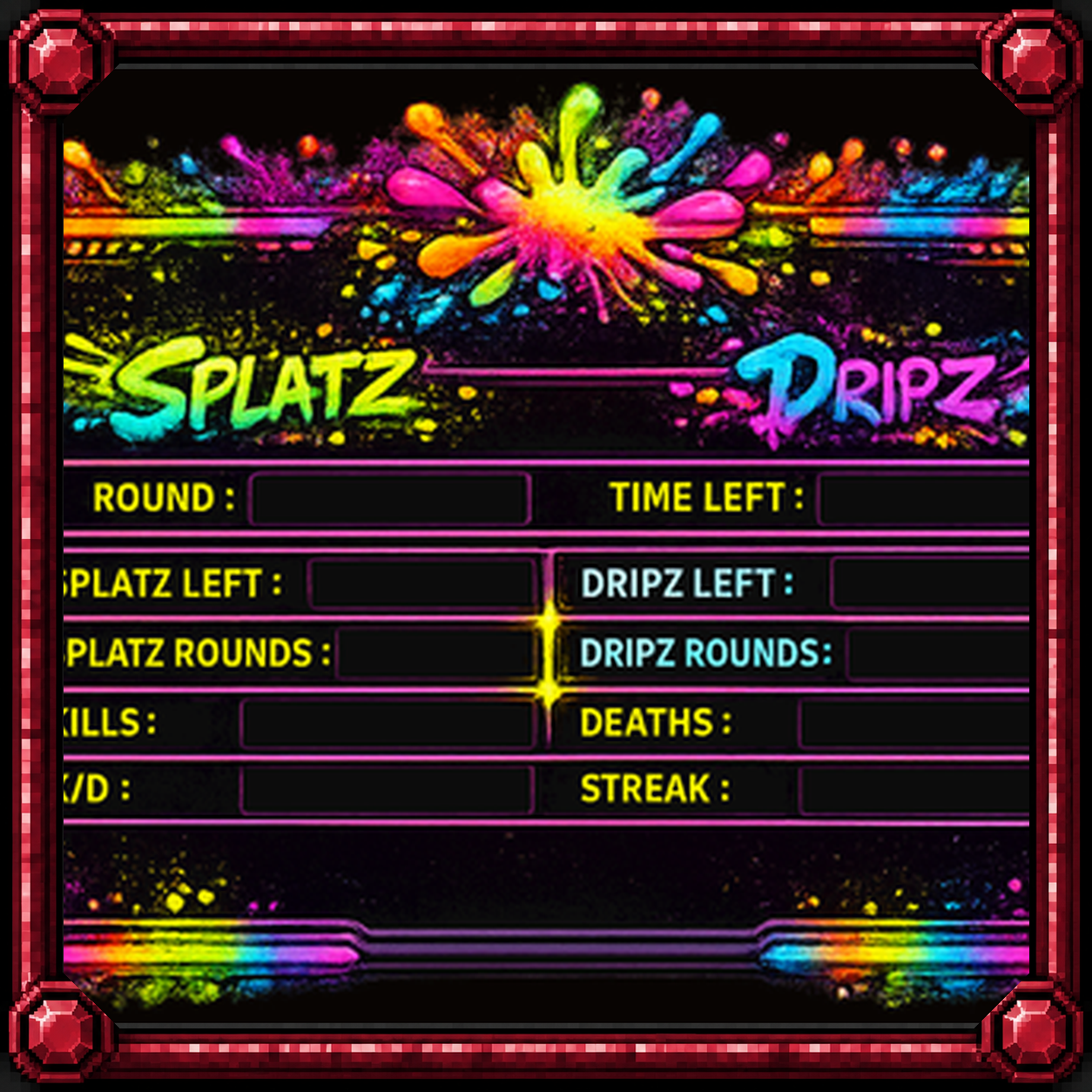
CTF, TDM and FFA. These only work inside a match.
| Command | What it does |
|---|---|
[Shoot | Fires the paintball weapon you have equipped. |
[pbweapons | Opens the paintball weapons window. |
[pbequip <1-14> | Equips the paintball weapon in that slot, swapping out the current one. |
[pbinv | Opens the paintball consumables and gear window. |
[pbuse <1-10> | Uses the paintball consumable or gear bound to that slot. |
[PaintballAmIn | Tells you whether you are in a Paintball match, and if so your arena, team, hit points and when the match ends. |
[PaintballPoints | Opens your Paintball points balance (closes itself after a minute). |
Guilds, Hamlets and Villages
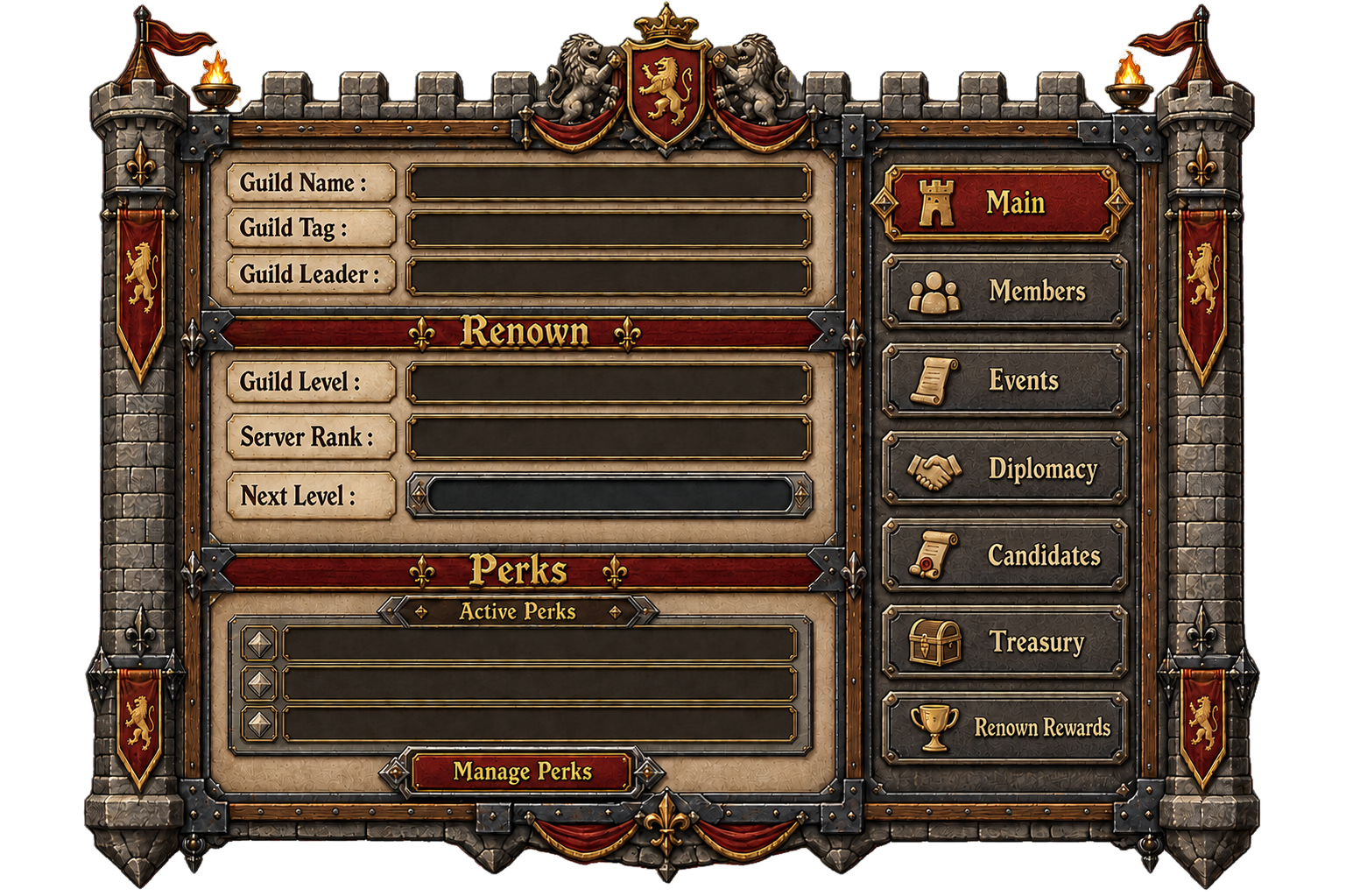
Guild chat, titles, events and the territory systems.
| Command | What it does |
|---|---|
[guild | Opens the guild window. |
[g / [gc <text> | Speaks to your guild. |
[ac <text> | Speaks to your alliance. |
[gtitle / [GuildTitle <title> | Guildmaster only: target a guild member to grant a guild title (up to 16 characters) shown over their head. |
[RenounceGuild | Opens a confirmation to leave your guild. Same as saying "I renounce my guild ties". |
[events | Opens the guild window on its Events page, the event schedule board. |
[gatestones | Lists every Gatestone: live or dormant, who holds it, treasury ticks paid. |
[HamletLog | Opens the log of destroyed hamlet assets: walls, gates, towers and the rest. |
Quartermasters and Quests
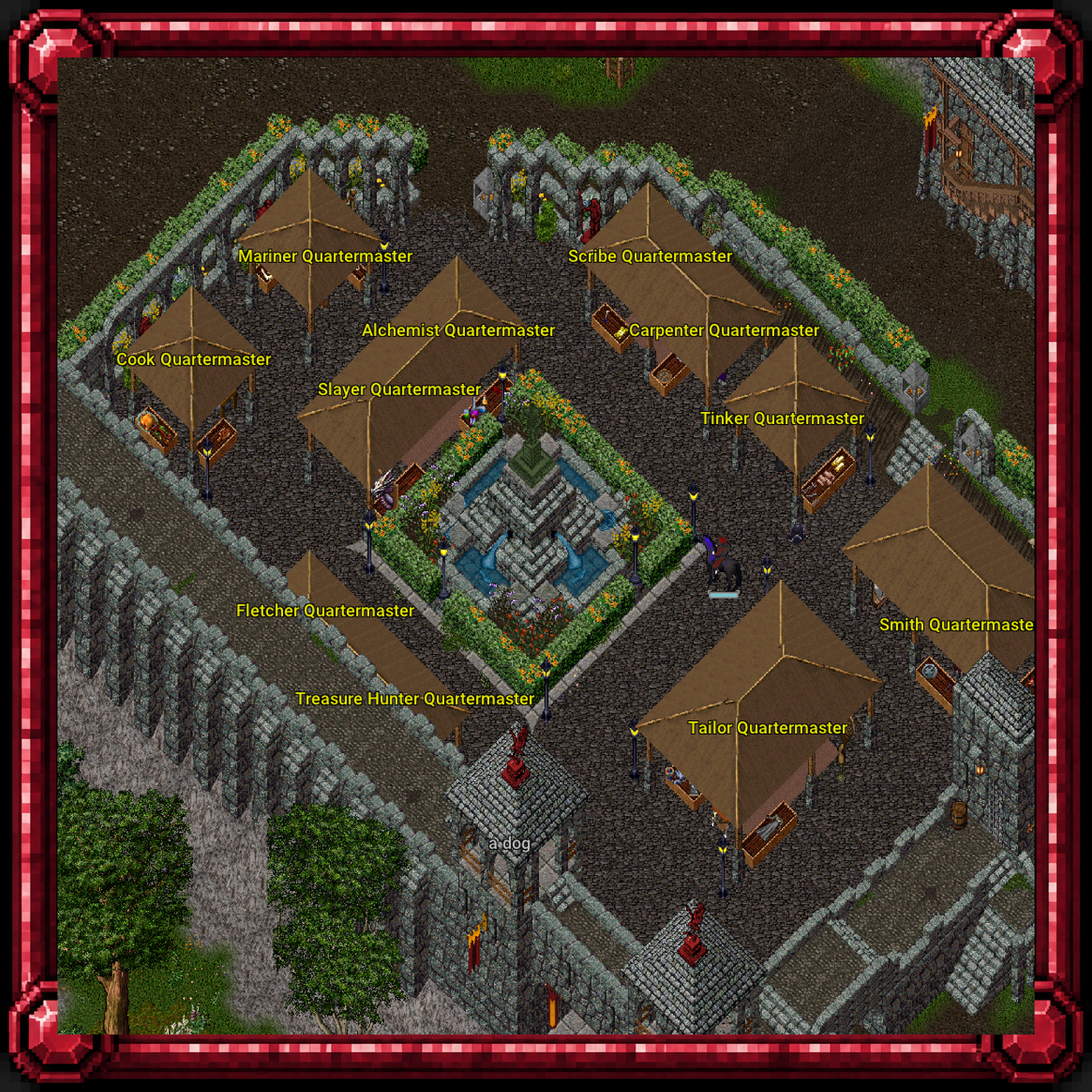
The repeatable bounties.
| Command | What it does |
|---|---|
[MyQuests | Opens your committed Quartermaster's quest board from anywhere. |
[PLCommStatus | Shows your commissioner status and quest progress. |
[QuestLog / [QuestPoints / [QuestRanking | The quest-point system: [QuestLog opens your quest history, [QuestPoints shows your points and rank, [QuestRanking opens the top quest players. |
Agriculture, Trade and Housing
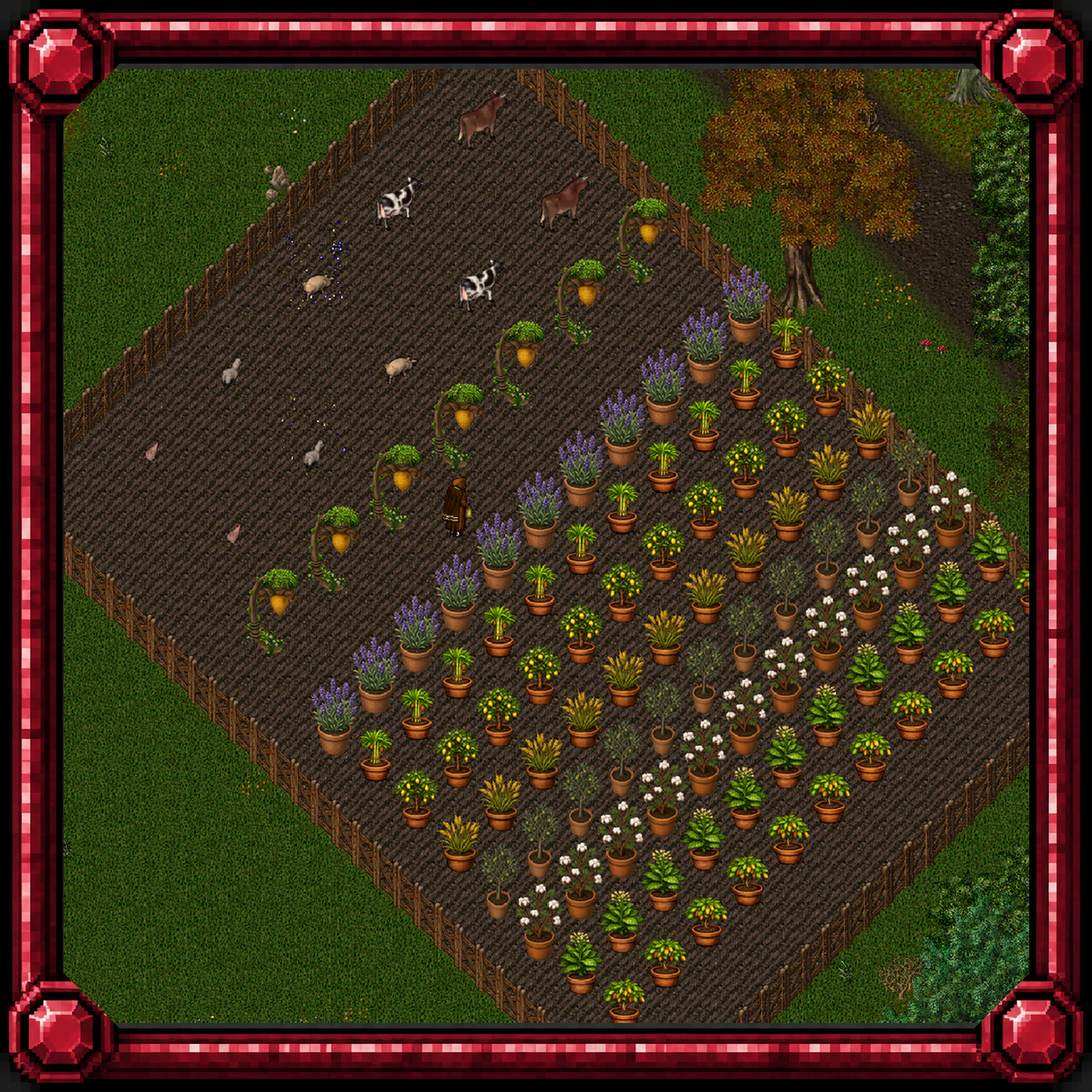
Farms, pack animals, caravans and the house decorator.
| Command | What it does |
|---|---|
[GrowthRegion / [HomeRegion | Tells you which farming home region you are standing in. |
[merchantstatus | Shows your Merchant's Fatigue tier and your Trade Pack craft count over the last 24 hours. |
[packclick | Target your pack animal to switch what its double-click does: ride it or open its pack. |
Leaderboards, Lottery and Rewards
Rankings and the things that pay out.
| Command | What it does |
|---|---|
[Leaderboards / [LB / [Top [points] | Opens the seasonal leaderboards. [LB points shows your banked leaderboard reward points. [Top <board> opens one board directly. |
[Leaderboardshop | Opens the leaderboard reward shop: the exclusive ethereal mounts bought with leaderboard reward points. |
[Lottery | Shows the lottery jackpot, the hours until the draw and how many tickets you hold. |
[claimdonation | Claims any unclaimed contribution on your account and delivers the Perilous Marks to your bank. 10 s cooldown. |
[TwitchLink / [TwitchConfirm / [TwitchUnlink / [TwitchPoints | [TwitchLink gives a one-time code to type in an approved stream's chat as !link CODE; [TwitchConfirm confirms a pending !register claim for this character; [TwitchUnlink unlinks the Twitch account (points kept); [TwitchPoints shows your Twitch Drop points, lifetime earned and spent, and the linked account. |
[ExportCasinoSprites | Re-exports your character's sprite images in your current outfit for the web casino. |
Concert Mode
The bard's rhythm minigame.
| Command | What it does |
|---|---|
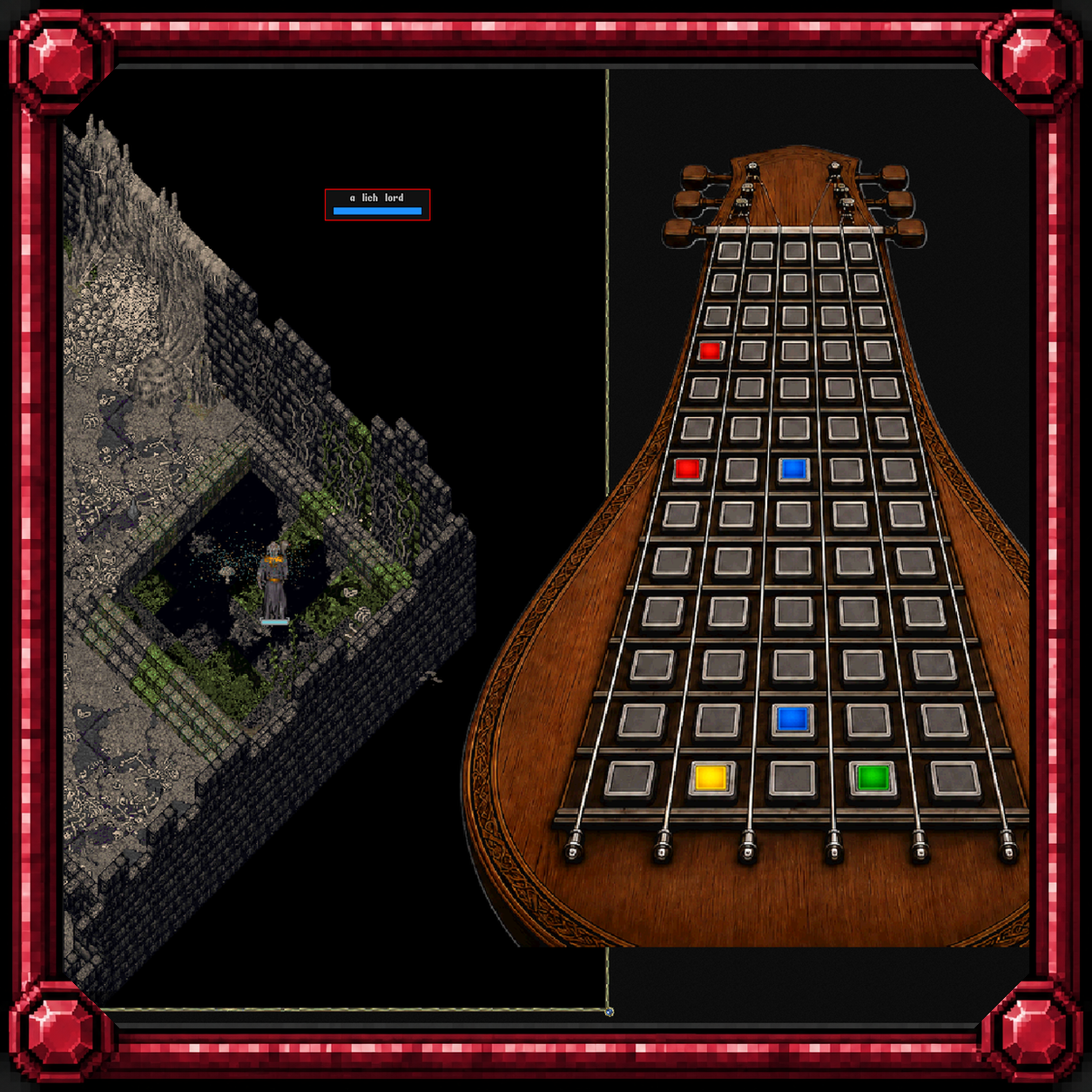
[concert | Toggles whether Concert Mode can trigger for you at all. |
[concertmute | Account toggle: stop or start hearing other players' concerts. |
Account and Help
Housekeeping.
| Command | What it does |
|---|---|
[Help | Lists every command you can use. |
[HelpInfo [<command>] | Explains one command, or opens a window listing them all. |
[Time / [TimeStamp | Shows the server's current date and time: [Time in UTC, [TimeStamp in Eastern time. |
[WhatIsIt | Gives a cursor; target any item or creature to see its type and name. |
Notes
- Eleven testing commands exist in the code but are switched off on beta and do nothing here:
[ClassLevelUp,[FixLook,[GiveClassCoins,[hptest,[maxtest,[qmpoints,[resurrect,[rushgrow,[Scrim,[setskill,[setstat. - Capitals never matter. Commands that take a number or a word take it after a space:
[pbequip 3,[crew follow.